
Places
Explore the Map
These are some of the specific places we're looking at closely as part of this review. Tap a dot on the map to see what it is, view photos of the site, and read why it's part of the conversation.
Select a numbered marker to open its site page. Live map updates flow into these markers, site details, and photos automatically.
Open the project team's full mapAreas
Turn areas on or off to focus the list of places below.
Places on this map
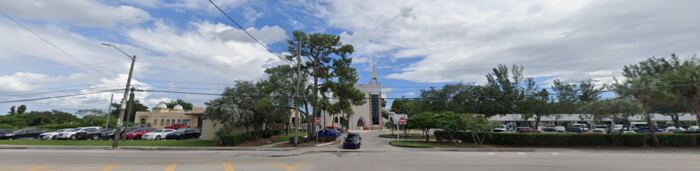 1Ali Baba CorridorOpa-locka Tri-Rail Station480 Ali Baba AveInside the current boundaryCorridor's southern transit anchor; documents station-area conditions and pedestrian access.View site details
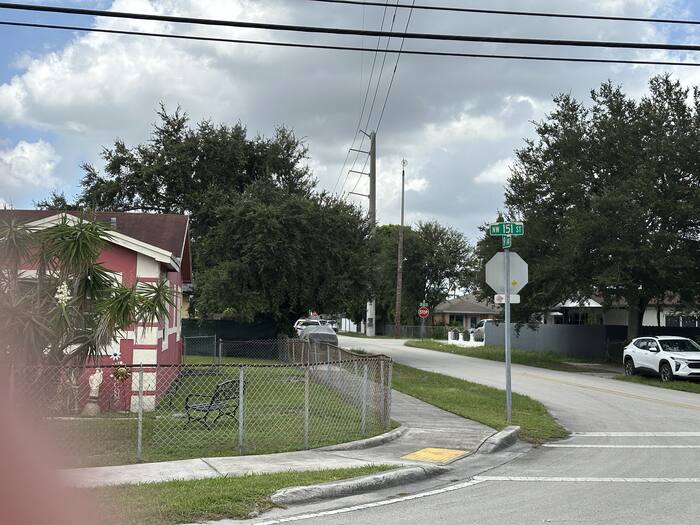 2Ali Baba CorridorAli Baba Ave & NW 151st StInside the current boundaryCorridor's northern terminus at the Magnolia North edge; transition from corridor to neighborhood. Includes views north on Ali Baba Avenue toward NW 151st Street and the NW 18th Avenue / Veterans Way intersection.View site details
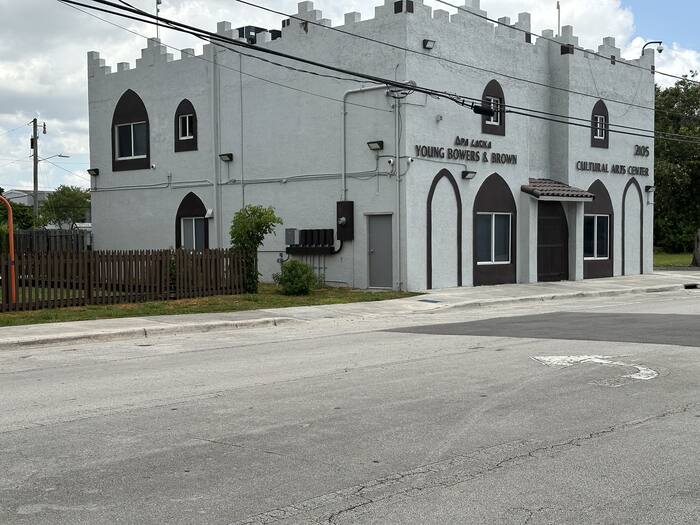 3Magnolia NorthMagnolia North Community Park2123 Ali Baba AveInside the current boundaryCommunity park built on a former vacant lot, immediately adjacent to the Opa-locka Young Bowers & Brown Cultural Arts Center (2105 Ali Baba Ave); a visible marker of recent neighborhood investment.View site details
- 4Magnolia NorthNW 151st St infill corridorInside the current boundaryHabitat for Humanity infill homes interspersed with remaining vacant lots; new construction vs. blight.View site details
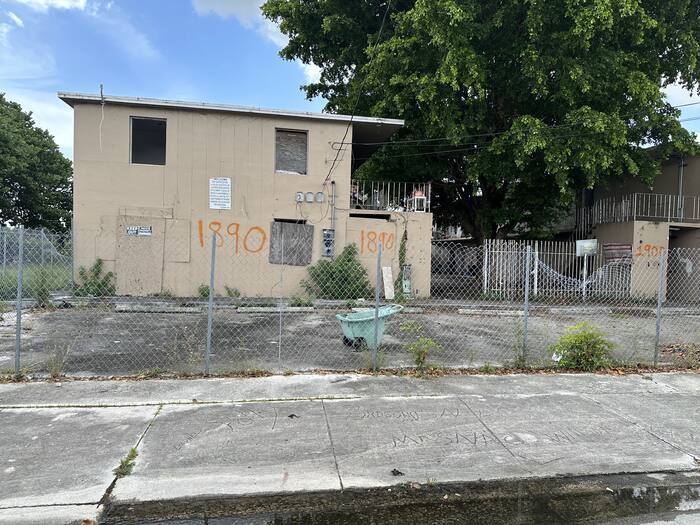 5Magnolia NorthMagnolia NorthJohnson St & Ali Baba AveNewly documented conditionGeneral reference point for the Magnolia North district: Ali Baba Avenue housing stock and the commercial corridor, including the vacant multifamily building at 1890 Ali Baba Avenue.View site details
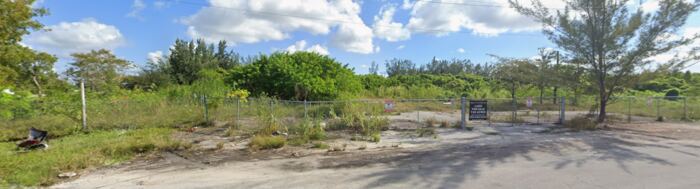 6Magnolia GardensService Rd & NW 18th AveNewly documented conditionNorth edge of Magnolia Gardens along Service Road, near the district's eastern reach toward the lake.View site details
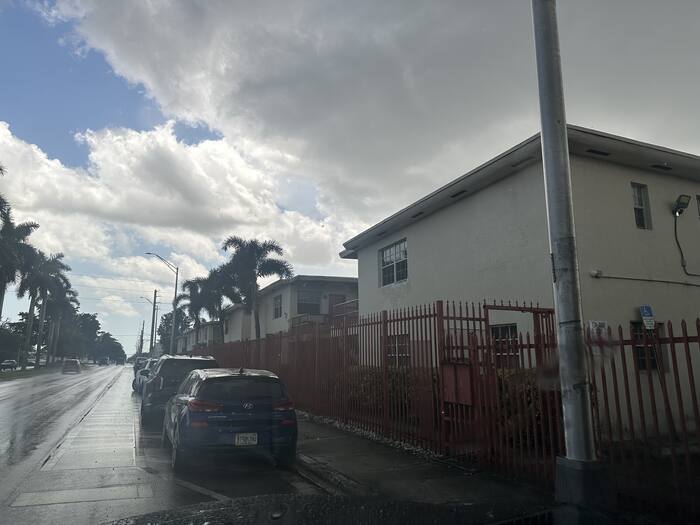 7Magnolia Gardens14220 NW 22nd AvePossible area for expansionMultifamily/rental property just outside the adopted Magnolia Gardens boundary; in line for possible future expansion.View site details
- 8Magnolia Gardens2091 York St2091 York StNewly documented conditionStreetscape and pedestrian connectivity condition along York Street.View site details
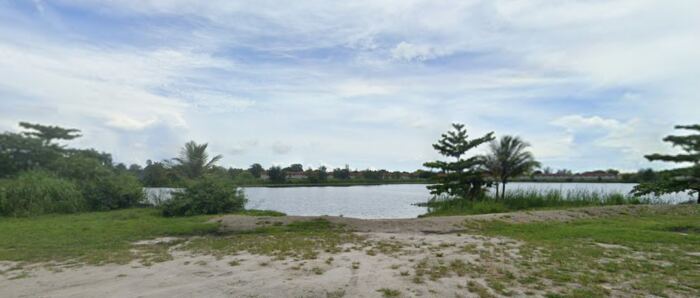 9Magnolia GardensWilmington St & NW 20th AveNewly documented conditionWilmington Street condition near the lakefront, east of NW 22nd Avenue.View site details
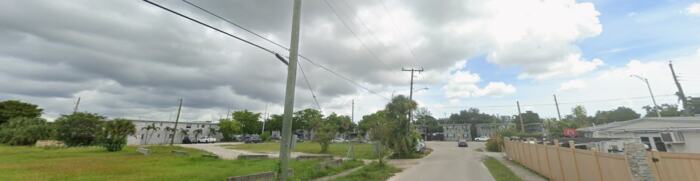 10Magnolia GardensNW 143rd St & NW 22nd CtPossible area for expansionPotential expansion site at the district's western edge.View site details
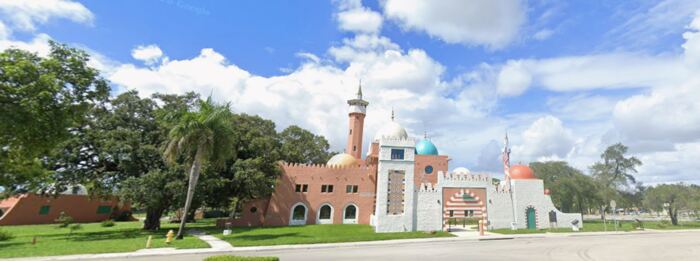 11City CenterHistoric Opa-locka City Hall777 Sharazad BlvdInside the current boundaryOpa-locka Company Administration Building; anchor restoration project, NRHP-listed.View site details
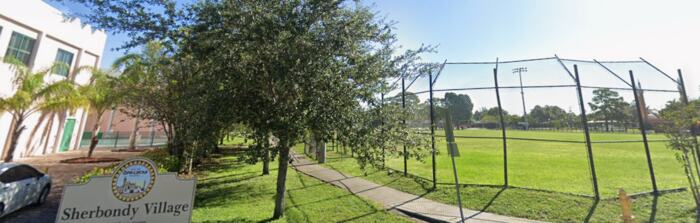 12City CenterSherbondy Park380 Bahman AveInside the current boundaryCivic and recreational anchor at the seam between downtown and the residential edge.View site details
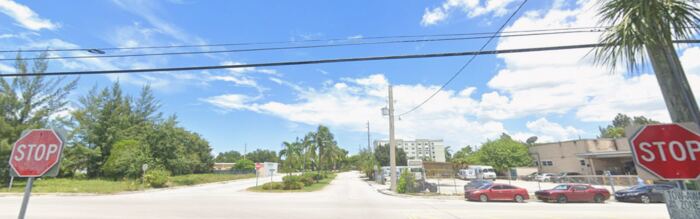 13City CenterAli Baba Ave & Sharazad BlvdNewly documented conditionDowntown corridor gateway at the City Hall block.View site details
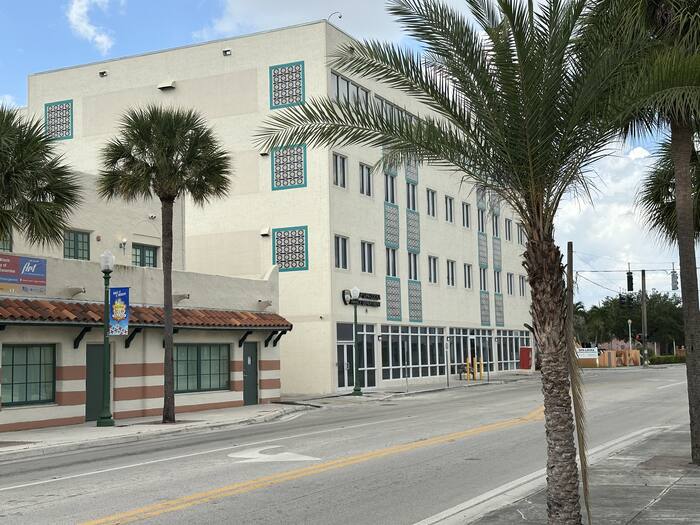 14City CenterOpa-locka Municipal Complex780 Fisherman StNewly documented conditionCity's municipal complex, cited in the Redevelopment Plan as one of City Center's principal community assets.View site details
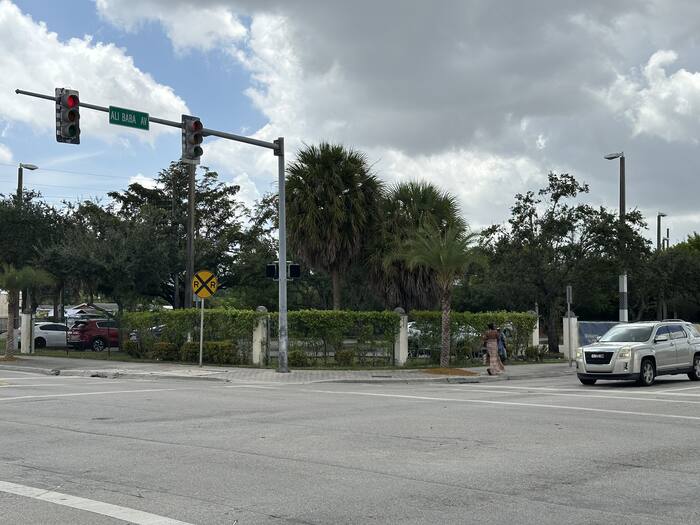 15City CenterAli Baba Ave & Opa-locka BlvdNewly documented conditionDowntown commercial block mixing active retail with a CRA Development Incentive Grant recipient property, documenting the program's visible impact along the corridor.View site details
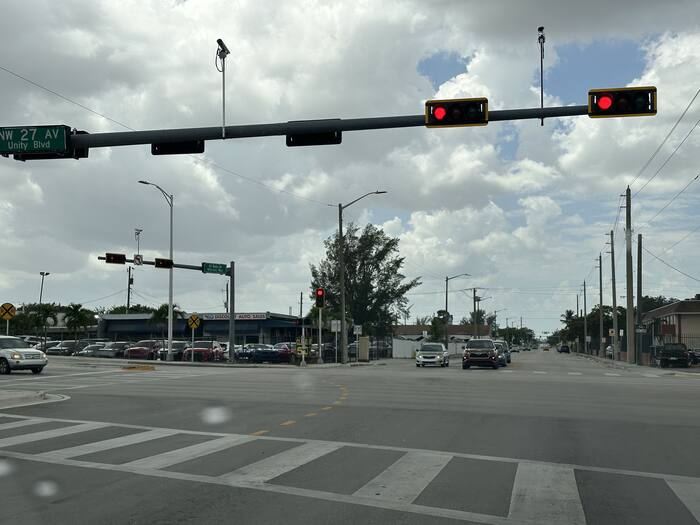 16Industrial/Innovation DistrictNW 27th Ave & Ali Baba AveNewly documented conditionWestern gateway into the Opa-locka Industrial/Innovation District along the Ali Baba Corridor.View site details
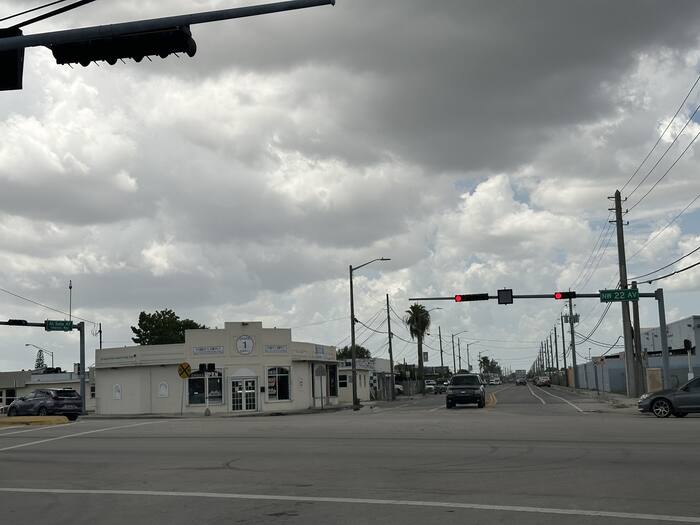 17Industrial/Innovation DistrictNW 22nd Ave & Ali Baba AveNewly documented conditionEastern gateway into the Opa-locka Industrial/Innovation District along the Ali Baba Corridor.View site details
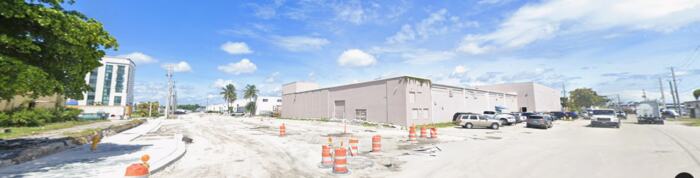 18Industrial/Innovation DistrictNW 147th St & NW 25th CtNewly documented conditionInterior industrial block condition within the district.View site details
 19Industrial/Innovation DistrictNW 150th St & NW 22nd CtNewly documented conditionDistrict's northeastern corner, near the NW 151st Street boundary.View site details
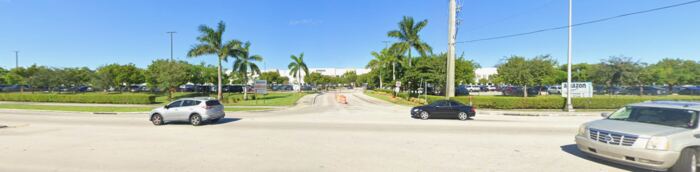 20Industrial West / LeJeuneAmazon MIA1 Fulfillment Center14000 NW 37th AveInside the current boundaryLarge-scale modern logistics anchor.View site details
 21Industrial West / LeJeuneNW 135th St & NW 45th AveNewly documented conditionLeJeune commercial area representative condition, near the LeJeune-Douglas Expressway.View site details
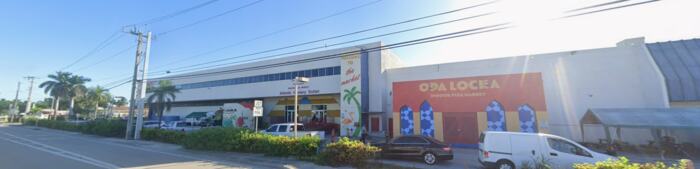 22Industrial West / LeJeuneNW 42nd Ave & NW 133rd StNewly documented conditionFlea market site documenting active commercial use in the LeJeune area.View site details
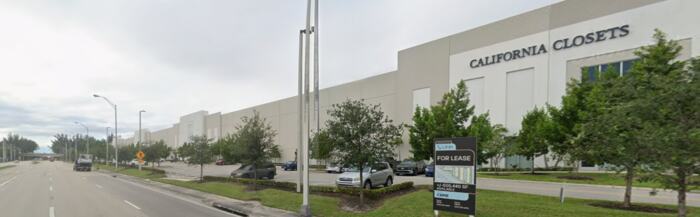 23Industrial West / LeJeuneNW 42nd Ave & NW 129th StNewly documented conditionNew Class A warehouse development, illustrating recent investment in the corridor.View site details
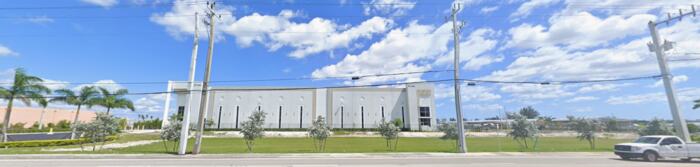 24Industrial West / LeJeunePrologis / Amazon AMXL site12805 NW 42nd AvePossible area for expansionRecent large-format industrial investment (2023).View site details
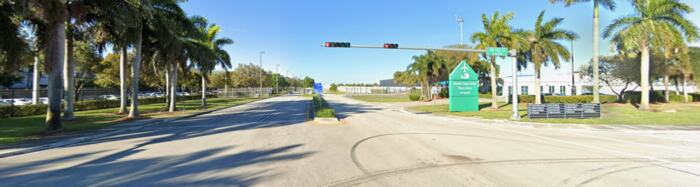 25Industrial West / LeJeuneExecutive Airport perimeter14201 NW 42nd AvePossible area for expansionAirport/industrial edge condition at the Miami-Opa Locka Executive Airport boundary.View site details
- 26Industrial West / LeJeuneThe Concours ClubOne Concours WayPossible area for expansionAdaptive-reuse private motorsport investment near the airport.View site details
 27Industrial West / LeJeuneNW 42nd Ave interface corridorPossible area for expansionTransition segment between the industrial park and the airport fence line.View site details
- 28Industrial West / LeJeune3325 NW 135th St3325 NW 135th StNewly documented conditionAdditional LeJeune Commercial Area condition point.View site details
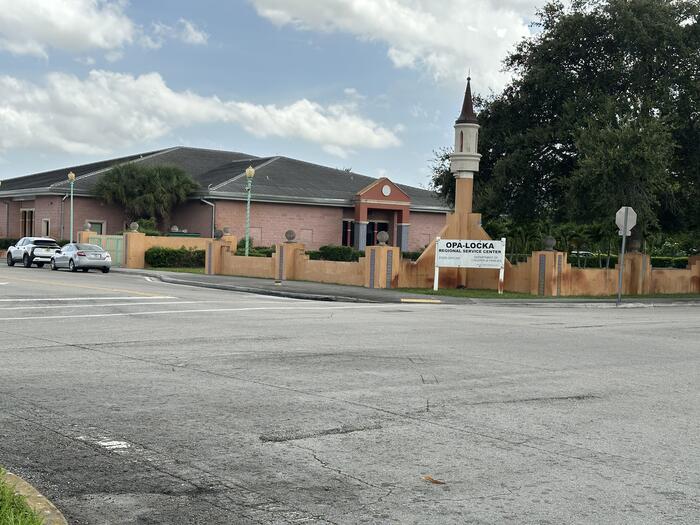 29City CenterOpa-locka Regional Service Center200 Opa-locka BlvdNewly documented conditionRegional service facility cited in the Redevelopment Plan among City Center's principal community assets.View site details
Completed technical phase
GIS Data and Existing Conditions Mapping
The GIS work is a completed technical phase supporting the ongoing boundary analysis. The project team documented field conditions, established a shared data foundation, and published interactive maps so residents can examine the same place-based information informing the review.
- Interactive mapping platform completed
- 30 survey locations documented
- 55 field photographs incorporated
- Existing conditions mapping completed
- District-level redevelopment observations completed
- GIS data foundation established for boundary review evaluation
The GIS map opens in ArcGIS, an outside mapping service. If it does not load on your device, use the button above to open it in a new tab, or call CRA staff and they can walk you through it.